Our Services
Transforming cash operations with innovative technology solutions, expert guidance, and unparalleled support services for the modern financial landscape.
Our Products
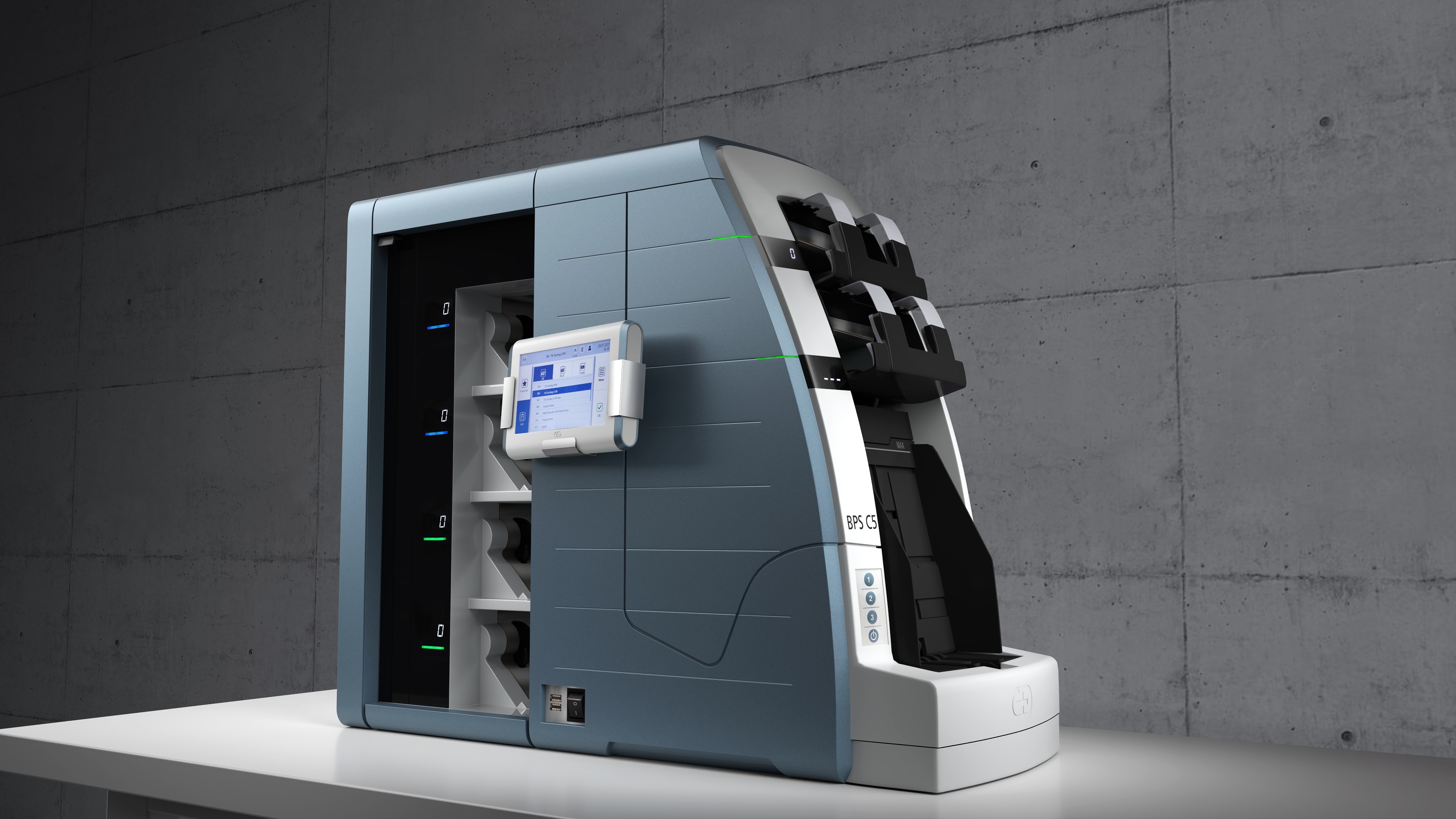
BPS C2/C5
Professional Banknote Sorting System
Specifications
- Speed: 1,050-1,200 BN/min
- Mixed Currency: Up to 40
- Multi Currency: Max. 10
- Singler Capacity: Up to 1,500 BN
- Output Capacity: Up to 250 BN
- Weight: 28-252 kg
Security Features
- Latest sensor technology
- Fitness sorting capability
- Serial number reading
- Advanced fraud detection
- Secure network integration
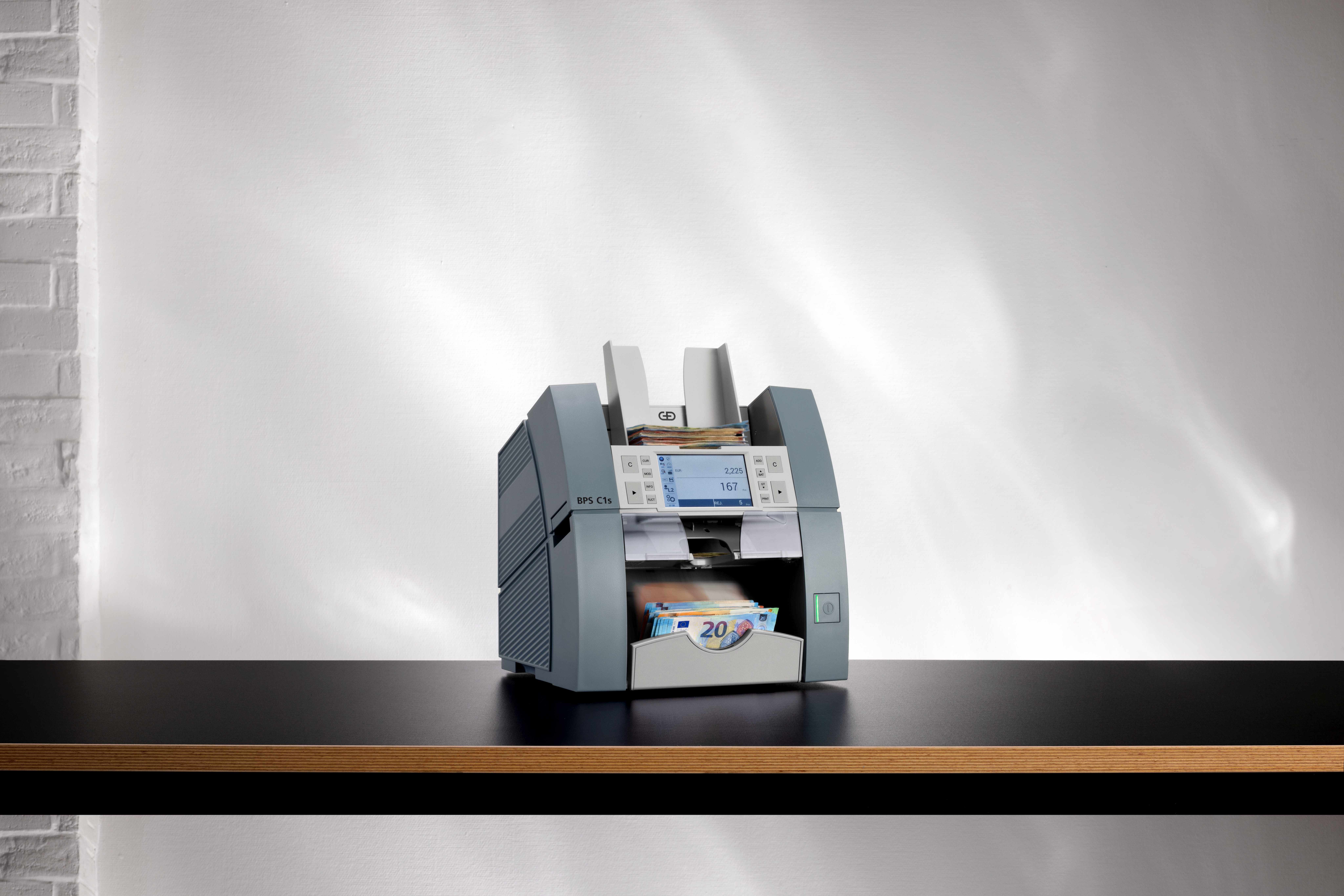
BPS C1s
Compact Genius with Higher Speed
Specifications
- Speed: Up to 1,600 BN/min
- SNR: Up to 1,200 BN/min
- Currencies: Up to 32
- Singler Capacity: Up to 1,000 BN
- Stacker Capacity: Up to 300 BN
- Weight: 16 kg
Security Features
- Advanced sensor technology
- Touch screen interface
- Serial number reading
- Ticket reading capability
- Check scanning function
Pronote 1.5
Portable and Effiecient
Specifications
- Speed: Up to 1,200 BN/min
- SNR: Up to 800 BN/min
- Currencies: Up to 101
- Singler Capacity: Up to 900 BN
- Stacker Capacity: Up to 255 BN
- Weight: 9.7 kg
Security Features
- 2x CIS, MAG, IR, UV sensors
- Sophisticated counterfeit detection
- Serial number reading
- Multi-level security verification
- Cutting-edge sensor technology
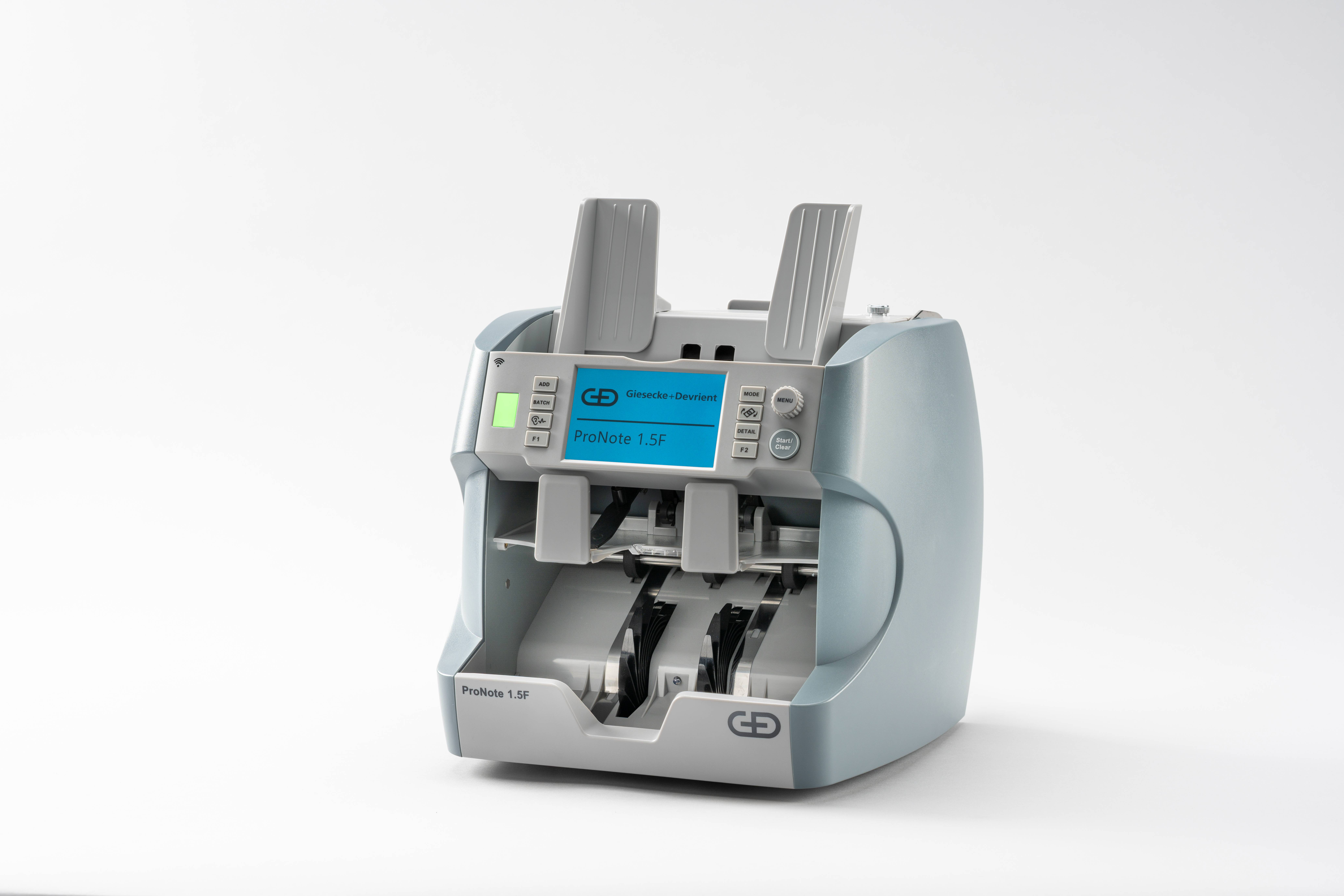
Pronote 1.5F
Maximum Performance, Fitness sorting
Specifications
- Speed: Up to 1,200 BN/min
- SNR: Up to 720 BN/min
- Currencies: Up to 74
- Fitness Mode: 10 currencies
- Singler Capacity: Up to 900 BN
- Weight: 10.2 kg
Security Features
- CIS line both side full scan
- UV, IR, MG, MT, ST detection
- Automatic currency detection
- Reject compartment for counterfeits
- Advanced sensor technology
Schedule Training
Select the training type and fill out the form to schedule a session. Our team will contact you shortly.
Technical Support & Upgrades
Select your machine model to view common errors or submit a request for troubleshooting and upgrades.
BPS C2/C5
BPS C1s
PN 1.5/PN 1.5F
Common Error Documentation
BPS C2/C5 Errors
Error Code: E SIN 100: Hopper Error
Description: The singler is not able to single the banknotes, This could be due to feeding stikcy Bns and bent Bns or the singular adjustments are wrong
Solution: 1. Proper preparation of banknotes before feeding.
2. Singler drum and hopper roller adjustments should be 2:2 or 1:3.
3. Check for any stuck banknotes or debris.
4. Clean the feed rollers with approved cleaning liquid.
Error Code: E TRP 001: Rampup Timeout
Description: This is normally encountered when you try to feed notes on the singular and asynchronous speed between singler motor and singler drum happens because a user has not cleared all the jam notes in the main transport
Solution: 1. Remove any physical jammed banknotes from the main transport.
2. Make sure your encoder PD is conneted properly.
3. Main Transport belt should not be too tight
Error Code: E MOD 208: Fail safe
Description: Multiple note feed,
Solution: 1. Adjust the singler gap.
2. Ensure banknotes are properly aligned using the guide plate.
3. Perform fail safe jam recovery as shown on display.
Error Code: E GAT 001: Gate Test Failed stacker 1 and stacker 2
Description: This happens whenever the gate is facing delay in opening at either stacker 1 or 2
Solution: 1. Check the screws for solenoid switch if they're tight.
2.Make sure no cable harness is damaged connecting to the solenoid switch.
3. check if connectors are not filled with dust.
Error Code: E PDE 1001: Reject PDE 1 error
Description: A machine stops running if there's any obstacle or torn note covering the PD sensor.
Solution: 1. Clean the PD sensor and confirm error.
2. Verify PD cable harness is not damaged.
Error Code: E ST1 005: Trailing Edge Late
Description: During processing, the trailing edge of the Banknote arrived late at the Standard Stacker/ reject stacker exit PD.
Solution: 1. Adjust the mainbelt.
2. Perform System Test to see if there's a faulty PD at stacker 1 or reject pocket.
3. Replace any faulty PD
Error Code: E SEN 001: PIS 1 Self Test Failure
Description: Normally this happens when when the machine Image sensor is covered with dust
Solution: 1. Clean the shown image sensor with approved liquid.
2. Restart the machine and try feeding your notes again.
Error Code: E SEN 003: PIS 1 Hardware Inaccessible
Description: This is caused when the flex cable of Image sensor is not conneted properly or damaged
Solution: 1. Reconnect the flex cable again on PIS 1 lower.
2. Power on your machine, make sure there's no startup errors.
Error Code: E SEN 053: PIS 2 Hardware Inaccessible
Description: This is caused when the Sata cable of the upper sensor is not conneted or damaged
Solution: 1. Make sure your SATA is connected .
2. Change Sata cable if error persists.
Error Code: E SEN 301: MTS Self-Test Failed
Description: This is just a malfunction of the MTS unit
Solution: 1. Clean both MTS support roller and MTS sensor roller.
2. Restart your machine and continue with processing.
Error Code: E MODE 057: Module 1 leading edge too late at 2T03/04-3T01/02
Description: This error displays on your screen because the upper cover is not locked properly you will find jammed BNs
Solution: 1. Remove jammed banknotes in the shown location on the screen.
2. Close the upper cover properly.
3. confirm/ press ok.
Error Code: E MODE 051: Unexpected Banknotes at 3T01
Description: Machine stops processing because there's a stack banknotes in the vertical transport
Solution: 1. Remove the vertical plate and remove the jammed banknote.
2. Please make sure your vertical plate is locked properly.
BPS C1s Errors
Error Code: Counterfeit not detected
Description: During processing BPS C1s accepts counterfeits
Solution: 1. First check the version of firmware running on the machine.
2. Update firmware and currency version.
Error Code: fit/unfit sorting
Description: The BPS C1s is not sorting banknotes
Solution: 1. Check if fitness sorting mode is enabled.
2. Adjust the fitness threshold settings.
Error Code: JAM
Description: The BPS C1s is experiencing jams during processing
Solution: 1. Check singular gap and adjust it's gap.
2. Clockwise: Gap is increased to avoid rejects due to distance too small.
Error Code: Double feed
Description: Double note detection
Solution: 1. Adjust singler Gap.
2. Counter-clockwise: Gap is decreased to avoid rejects due to double banknotes.
PN 1.5/PN 1.5F Errors
Error Code: Double Chained#1 to Chained#5
Description: Some banknotes are attached to each other or are overlapping
Solution: 1. Lighten the Singler gap by adjusting screw clockwise.
2. Remove Banknotes and count again.
Error Code: Slant#1 to Slant#4
Description: Feeding the banknotes wrongly at the singler will get this error
Solution: 1. Prep your Banknotes before feeding.
2. Use the guide plate during processing.
Error Code: JAM
Description: Pronote 1.5/1.5F stops because there's a jammed BN
Solution: 1. Remove the stuck banknotes.
2. Lighten your singler gap by rotating the adjustment screw clock wise.
Error Code: Image#1 to Image#9
Description: The cis is failing to recognize the image of Banknotes fed
Solution: 1. Adjust the sentistive setting of image.
2. Clean CIS sensors with approved liquid.
3. Calibrate cis sensors
Error Code: Length
Description: High rejects of length during processing
Solution: 1. Adjust length sentistive settings from 4 to 3 and try recounting your notes agin.
Error Code: Rejector full
Description: Reject pocket full
Solution: 1. Empty reject pocket. 2. Increase the reject capacity to 70.
Failing to trace Reject reasons
Description: On site technician is failing to submit the reject reasons
Solution: 1. When a Red LED lights there notes in the reject pocket.
2. Press the Detail Button to see reject reasons